> For the complete documentation index, see [llms.txt](https://lumiwave-inno.gitbook.io/inno-platform-tip-and-guide/llms.txt). Markdown versions of documentation pages are available by appending `.md` to page URLs; this page is available as [Markdown](https://lumiwave-inno.gitbook.io/inno-platform-tip-and-guide/inno-platform-questions/inno-platform/wallet/how-to-swap-token-in-dex.md).
# How to swap Token in DEX?
Guidance for swap token in DEX
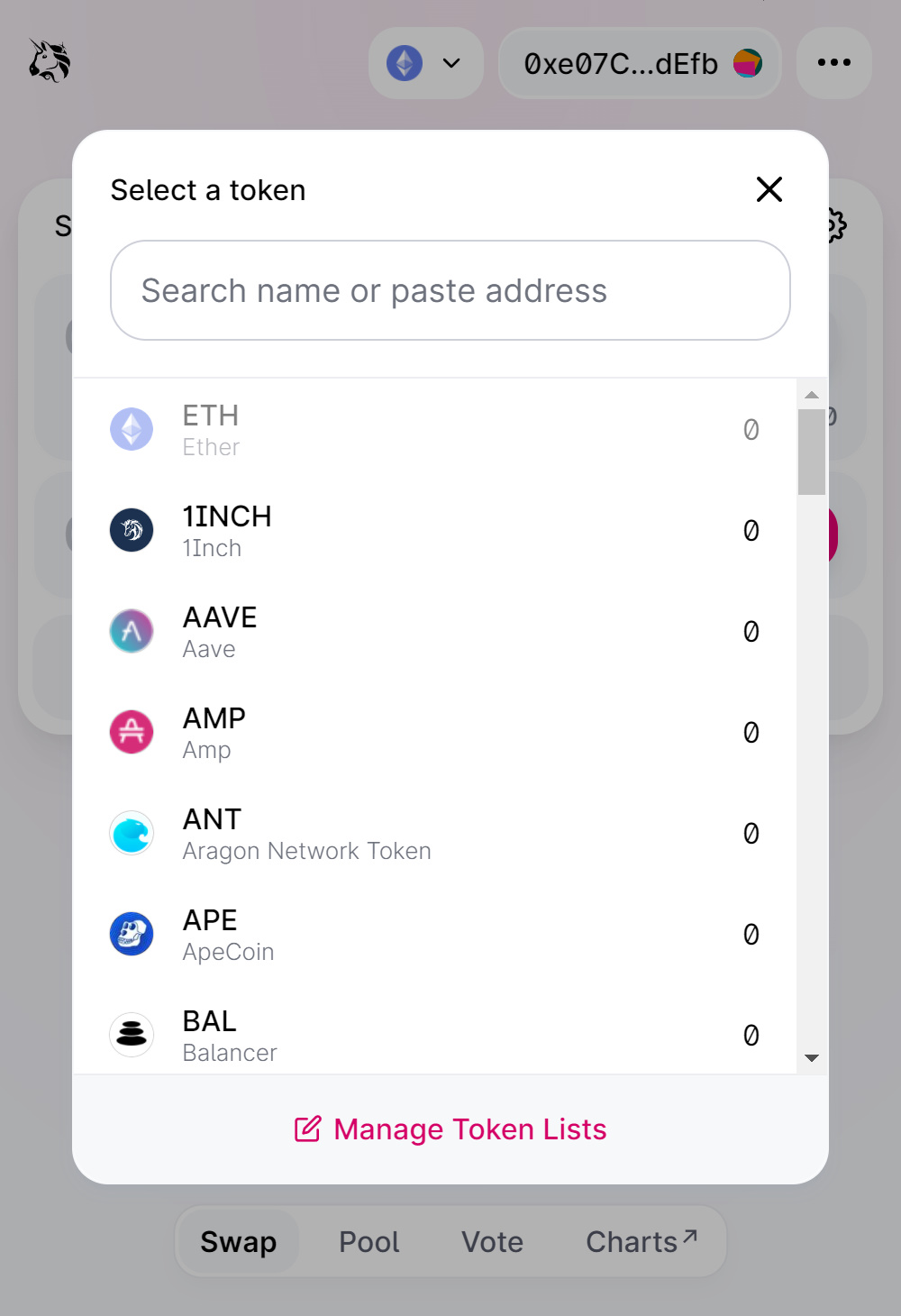
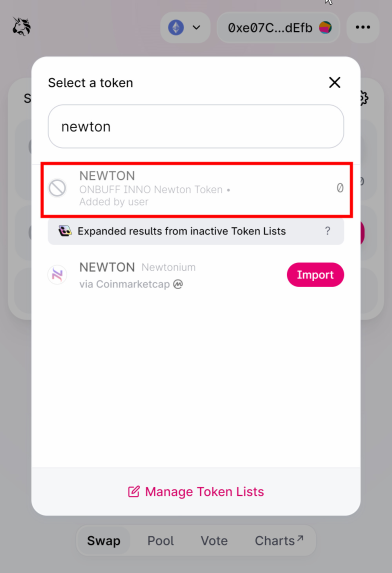
1. Connect your Metamask wallet on UNISWAP and add a token
**What is UNISWAP?**
UNISWAP is a distributed financial protocol used to exchange cryptocurrencies. This protocol supports decentralized exchanges that allow automatic transactions between cryptocurrency tokens on the Ethereum blockchain through the use of smart contracts.
**👉**[**UNISWAP**](https://app.uniswap.org/#/swap?chain=mainnet)
{% hint style="info" %}
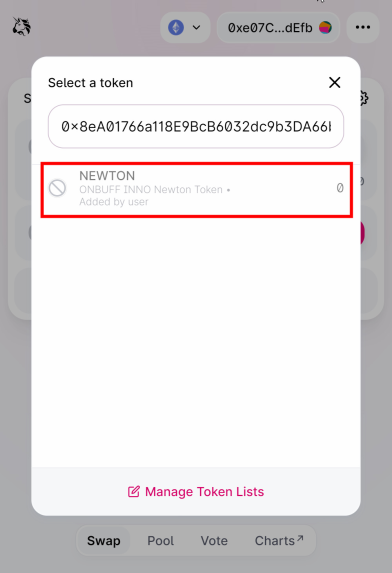
You may need to input **ONIT’s address** and **NEWTON’s address**
**Contract Address**
* **ONIT : ****0x410e731c2970Dce3AdD351064AcF5cE9E33FDBf0**
* **NEWTON : ****0x8eA01766a118E9BcB6032dc9b3DA66b80fE1c31c**
{% endhint %}
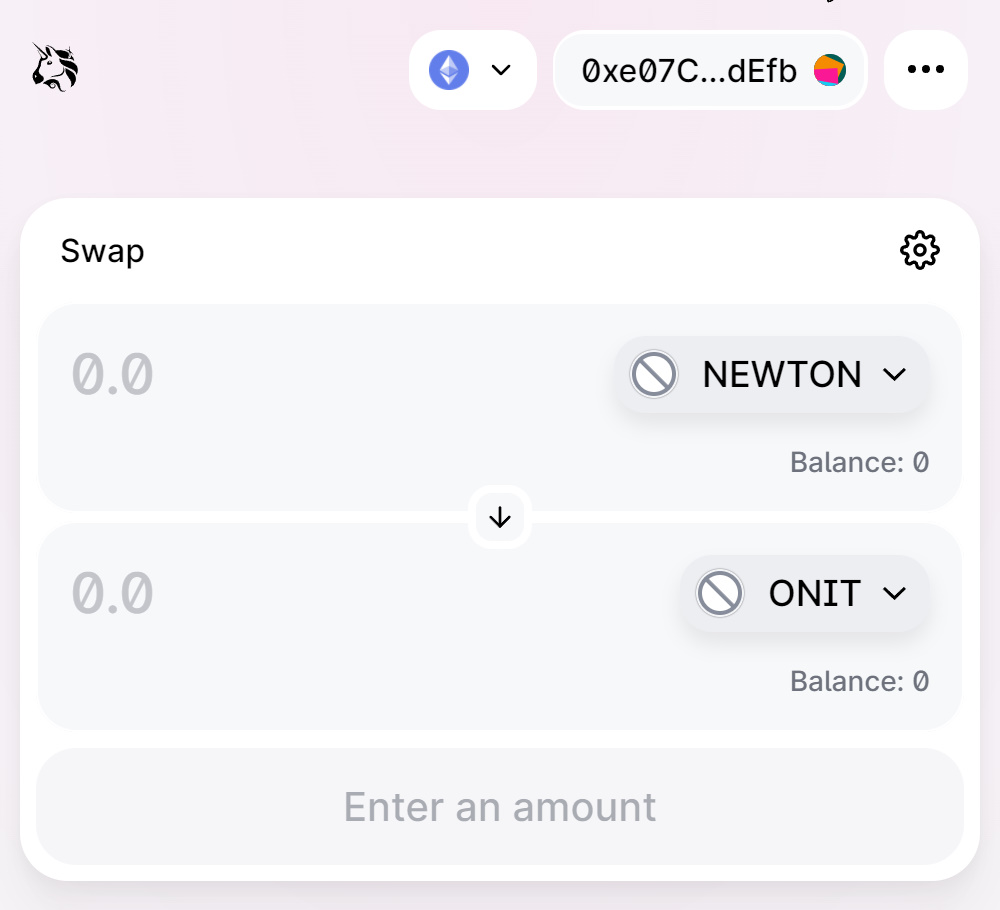
2. Input the amount of ONIT/NEWTON you want to swap. And confirm the transaction.